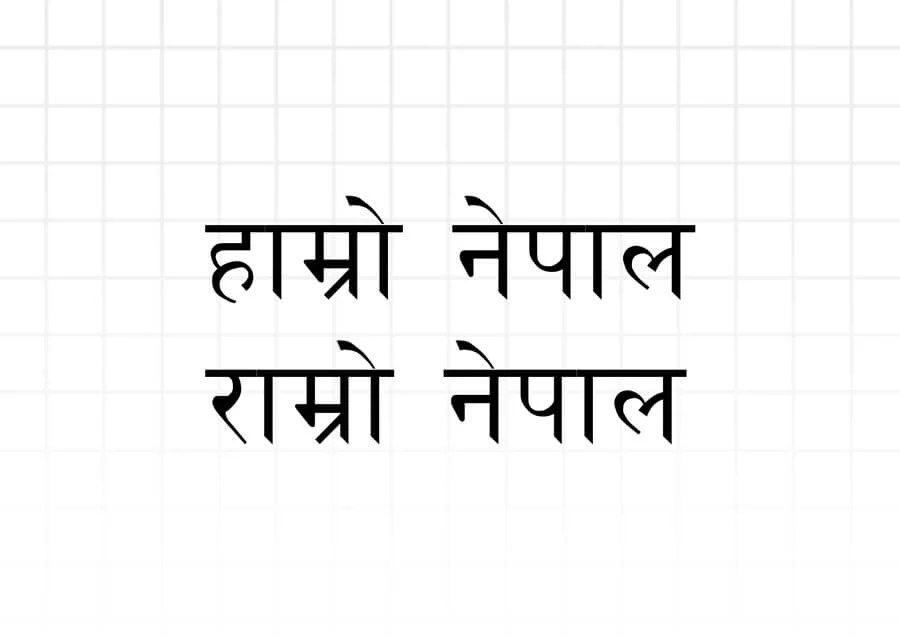
Looking for the official Preeti Font free download for Windows 11, Windows 10, or Mac? Preeti is Nepal’s most popular and widely recognized traditional Devanagari font, widely used across government offices, Lok Sewa Aayog examinations, schools, legal paperwork, and media publications.
Preeti Font Technical Specifications
| Property | Specification Details |
|---|---|
| Font Name | Preeti (प्रीति) |
| Font Family | Preeti Regular |
| Font Format | TrueType Font (.ttf) |
| Designer / Origin | Bhadrakali Mishra |
| Encoding System | Non-Unicode / Legacy ASCII Mapping |
| Operating Systems | Windows 11, 10, 8, 7, macOS, Linux |
| Supported Software | MS Office, Adobe Photoshop, InDesign, Illustrator, CorelDRAW |
| License | Free for Personal & Educational Use |
Why Preeti Font Remains the Standard in Nepal
Despite the emergence of international Unicode standards, Preeti remains the undisputed leader for high-speed Nepali typing. Here is why it remains indispensable:
- Lok Sewa Aayog (Public Service Commission): Government typing skill tests in Nepal mandate Preeti font for practical evaluations.
- Legal and Judicial Documentation: Law firms, notary public services, and district courts in Nepal predominantly prepare deeds and court petitions using Preeti.
- High Typing Speed: Professional Nepali typists achieve typing speeds over 60–80 words per minute because the keyboard mapping is ergonomic and deeply intuitive once memorized.
- Desktop Publishing (DTP): Traditional printing presses, offset printers, and newspapers continue to rely on Preeti for typesetting books and magazines.
Preeti Keyboard Layout & Key Combinations Cheat Sheet
In Preeti font, English QWERTY keyboard keys are mapped to Devanagari characters. Here is a quick reference table of essential characters:
| English Key | Preeti Character | English Key (Shift) | Preeti Character (Shift) |
|---|---|---|---|
s | क | S | क् |
v | ख | V | ख् |
u | ग | U | ग् |
h | ज | H | झ् |
t | त | T | त् |
d | द | D | ध |
n | न | N | न् |
k | प | K | फ |
b | ब | B | द्य |
m | म | M | ं (Anusvara) |
y | य | Y | थ |
r | र | R | ज्ञ |
l | ल | L | ल् |
w | व | W | ध्र |
f | ा (Aa Kar) | F | ँ (Chandrabindu) |
l (before letter) | ि (Hrasva I) | O | इ |
How to Install Preeti Font on Windows & Mac
Installation on Windows (11 / 10 / 8):
- Click the download button above to save
Preeti.ttfto your computer. - Locate the downloaded file in your Downloads folder.
- Right-click the
Preeti.ttffile and select Install (or Install for all users for administrator access). - Open Microsoft Word or any text editor, search for Preeti in the font dropdown, and begin typing!
Installation on macOS:
- Download
Preeti.ttfto your Mac. - Double-click the downloaded
.ttffile. The macOS Font Book app will open automatically with a font preview. - Click the Install button in the bottom right corner.
- Restart your word processing application to see Preeti in your font list.
Frequently Asked Questions (FAQ)
Is Preeti font free to download and use?
Yes, Preeti font is 100% free to download and use for personal, educational, and commercial work.
Why does Preeti text show English letters when copied to Facebook or WhatsApp?
Preeti is a legacy (traditional) font, not a Unicode font. It merely disguises English keystrokes as Nepali characters. When you paste it into Facebook, WhatsApp, or an email, those platforms read the underlying English code, turning your text into gibberish (e.g., typing नेपाल displays as s]kfn).
What is the difference between Preeti and Mukta font?
Preeti is a traditional legacy font designed for local offline typing (like MS Word and print design) that requires the recipient to have the font installed. Mukta is a modern Devanagari Unicode font that displays natively on any web browser, mobile device, and website without requiring visitors to install anything.